Tutorial
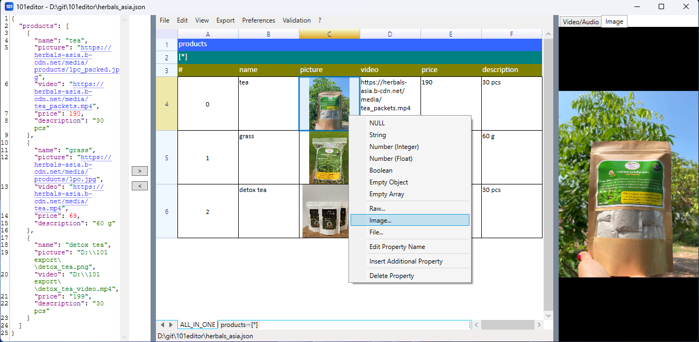
Editing JSON in spreadsheet
You may edit your JSON in spreadsheet view by using Inline Editing, Context Menu or Key Shortcuts.
View Tutorial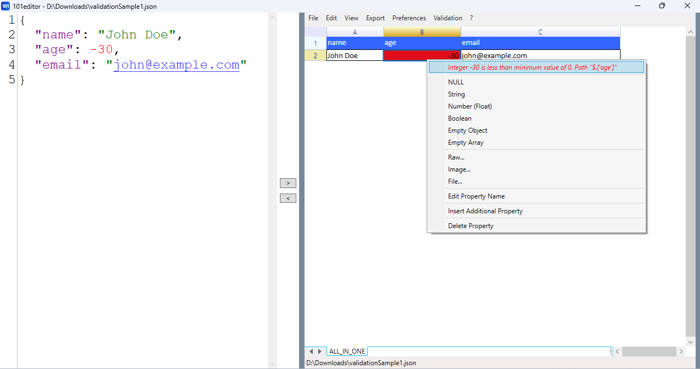
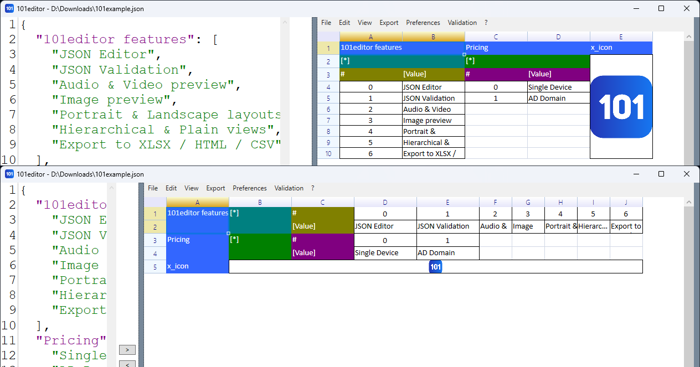
Portrait & Landscape layouts
There are three layout modes: Auto | Portrait | Landscape
View Tutorial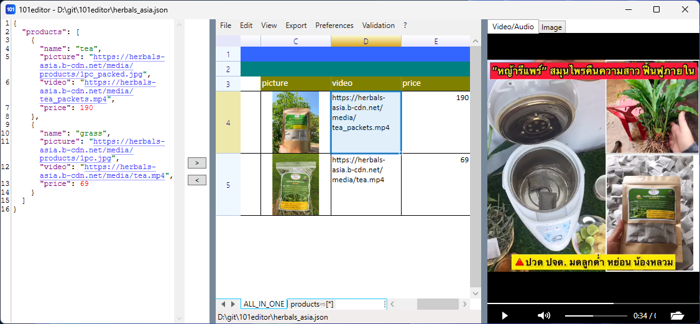
Audio & Video preview
The embedded VLC player can play video or audio if cell contains path to media file
View Tutorial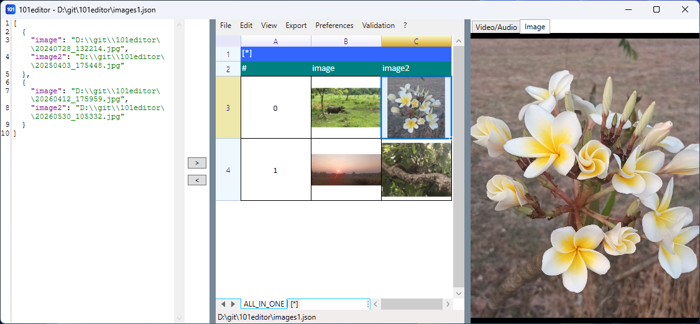
Image preview
When clicking on cell that contans path to image or Base64 encoded image the full size image is displayed in preview panel. Also image thumbnail may be rendered inside cell.
View Tutorial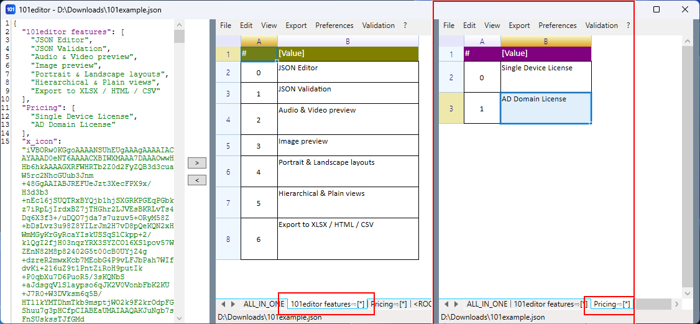
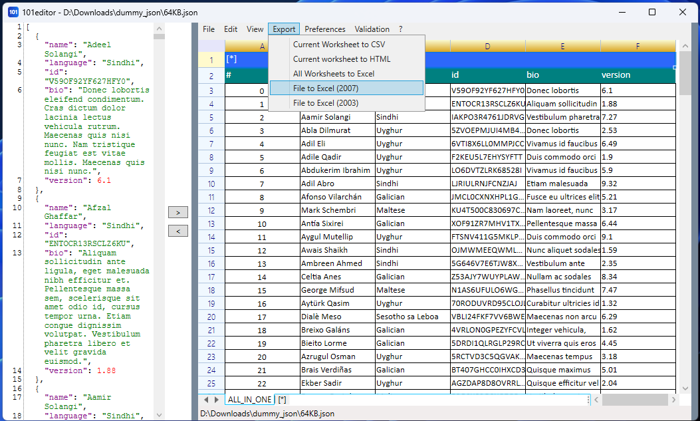
Export to CSV | XLSX | HTML
The current worksheet can be exported into CSV or HTML files. While all worksheets can be exported to Excel 2007/2003 workbook only. If current JSON content is empty then user will be asked to choose another file for "File to Excel 2007/2003" export.
View Tutorial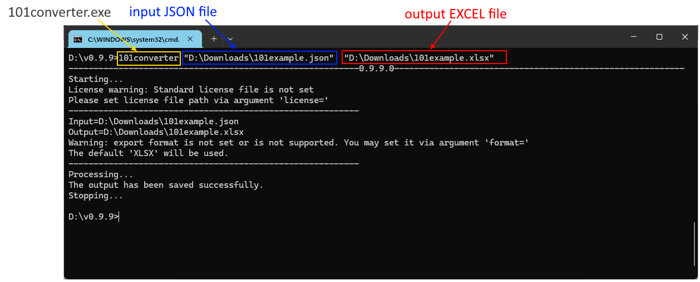
Command Line Tool
The 101converter.exe console application quickly converts JSON to Excel (without opening the windowed application 101editor.exe)
View Tutorial